From clicking Buy to working inside the app, the whole flow is three steps: check out through Stripe, receive your license code by email, and activate in the app's sign-in screen. Here is each step in detail, including what to do if the email does not show up right away.
One thing to have ready: your own Claude account
Booked Solid does its thinking on Claude, through your own Claude account. A paid Claude plan is what powers the assistant. Claude Pro, about $20 a month, covers most performers; if you run Autopilot hard every day, you may need Claude Max, about $100 a month. You sign in to Claude once during setup, right inside the app; the free tier does not cover it. Your license covers the app itself, and the Claude plan is the only other cost - we never add a usage bill on top.
Step 1: Buy on the website
- Go to https://booked.kivimedia.co/ and scroll to the pricing section.
- Find the Booked Solid OS box at $100/mo.
- Click Get Booked Solid OS. This opens a Stripe checkout - enter your payment details there and complete the purchase.
Already have the app installed but no license yet? The sign-in screen has a "Get a license" link that takes you to the purchase page too.
Step 2: Watch for your license email
Right after checkout, the system mints your personal license code and emails it to the address you used at checkout. The email comes from booked@send.kivimedia.co and contains:
- Your license code, shown in a highlighted box so you cannot miss it
- Activation instructions: open the app, choose Activate, paste the code, and pick a username and password
If you do not see it within a few minutes, check your spam or promotions folder for a message from booked@send.kivimedia.co. And here is a nice detail: the reply-to address on that email is a monitored inbox, so if anything about the purchase or activation is unclear, just hit reply and ask.
Step 3: Activate in the app
When you open Booked Solid OS for the first time, the Account Gate appears - the full-screen sign-in that guards the app until you have an account.
- Click First time here? Enter your license code.
- Paste your license code from the email. It follows the format BS-XXXXX-XXXXX-XXXXX.
- Enter your email address.
- Pick a username.
- Pick a password. Use the Show/Hide toggle to double-check it as you type.
- Press Set up my account.
That is it - the gate steps aside and you land in the app, ready for the first-run welcome.
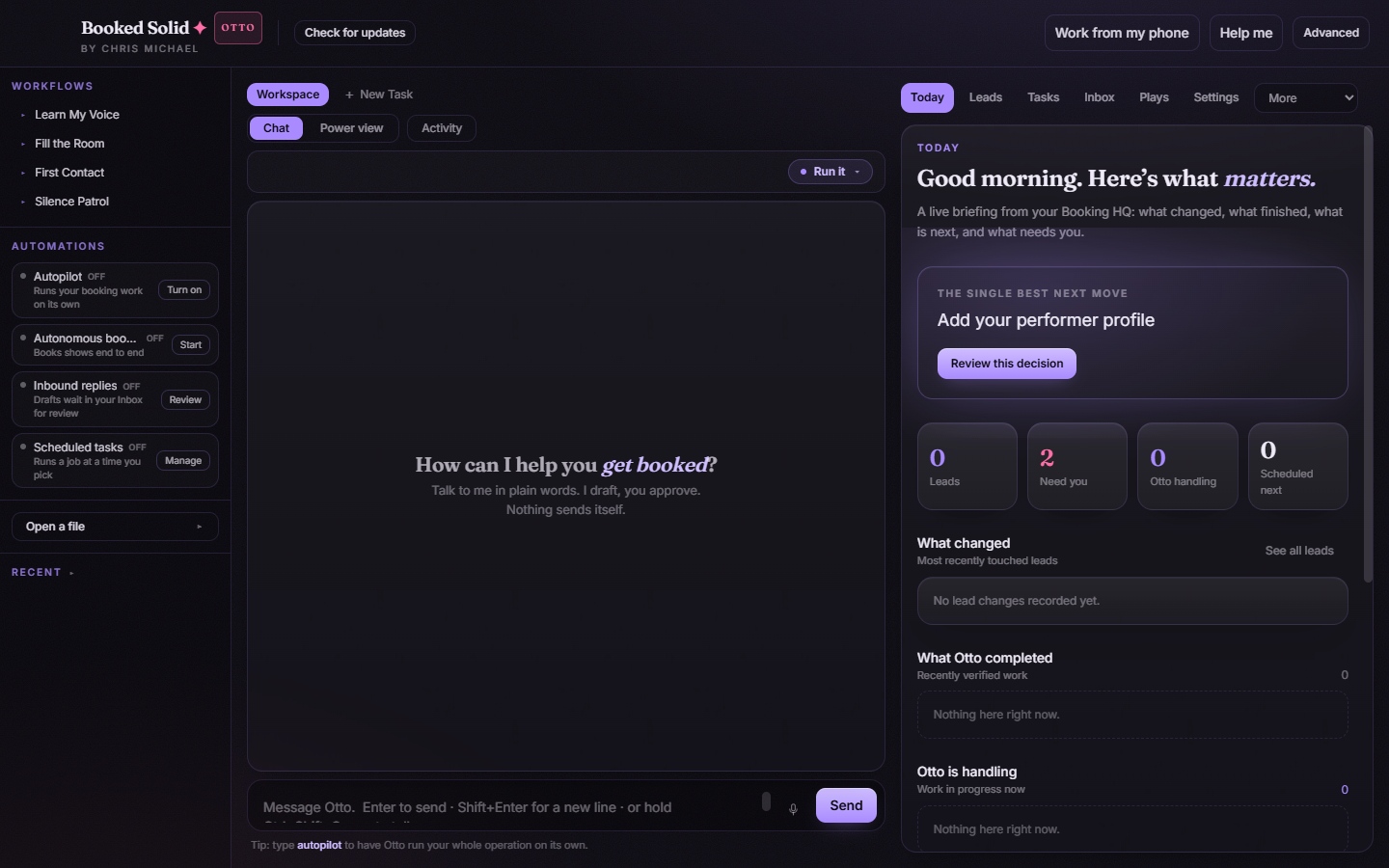
Signing in later
From then on, the Account Gate only asks for the username and password you picked during activation. If you ever forget the password, the gate's "Forgot your password" link emails you a 6-digit code and lets you set a new one.
Quick answers
- I never got the email: check spam for booked@send.kivimedia.co, then reply to any Booked Solid email or submit a ticket here and we will resend your code.
- My code will not activate: make sure you pasted the full code in the BS-XXXXX-XXXXX-XXXXX format with no extra spaces.
- I have a question about my purchase: reply directly to the license email - that inbox is monitored.
Still stuck? Submit a ticket from this help center and we'll take it from there.
Was this article helpful?
That’s Great!
Thank you for your feedback
Sorry! We couldn't be helpful
Thank you for your feedback
Feedback sent
We appreciate your effort and will try to fix the article