If Otto keeps working the same item over and over, shows the same notification again and again, and never actually finishes anything while your Claude usage climbs, this article gets you back in control. The short version: press Stop, clear the stuck item, then run one play at a time to find what is jamming.
Stop the run right now
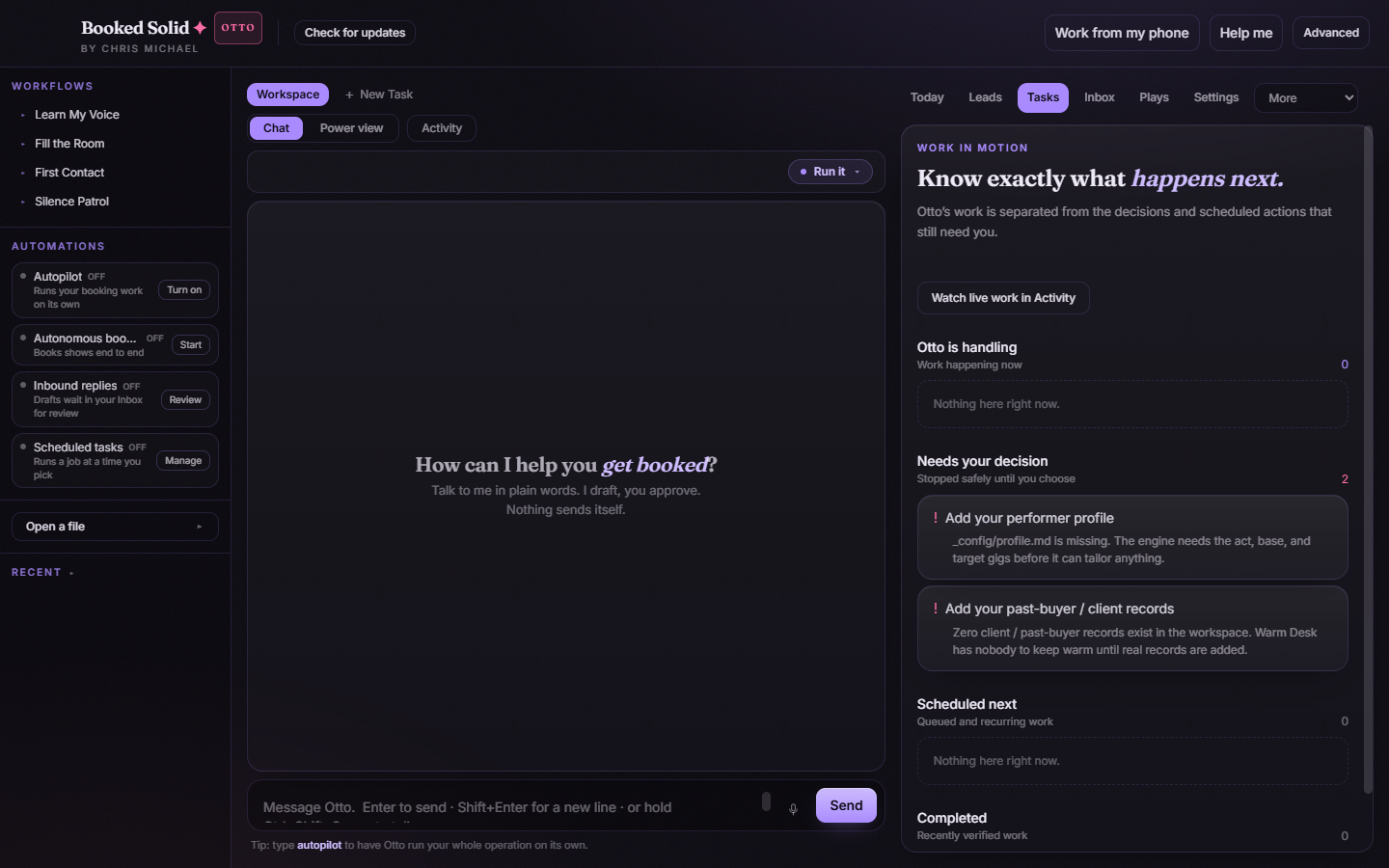
Whenever Otto is working, a bar at the top shows what it is doing and a button to end it. The button reads Turn off when Autopilot is running and Stop when it is a single job. Press it. The current run ends right away and no more of your Claude usage is spent on it.
Why a loop happens
Otto works one task at a time and marks a play done when it finishes. If a play cannot finish (a page it needs will not load, a connection is off, or it is waiting on something that never arrives) it does not reach that done mark, so the same task comes back on the next pass with the same reason. Nothing new gets made, and every retry still reads your files and calls tools, which is what spends your Claude usage.
Clear the stuck item
- Open the Tasks board.
- Find the card that keeps repeating.
- Press the X on that card to dismiss it. A dismissed item is kept in your record for the audit trail but is never picked up again, so the loop cannot restart from it.
Keep token use under control
Booked Solid runs on your own Claude plan, so a loop burns the usage window that plan gives you. Stopping the loop is how you stop the drain. To avoid a repeat: turn Autopilot off while you sort things out, then start one play by hand and watch it in Activity. If that one play finishes cleanly, you can turn Autopilot back on. For more on what spends your usage and the settings that make it last, see the guide on your Claude usage limit.
If it keeps looping
If the same task returns even after you dismiss it, the play is almost always blocked on a connection or a browser step. Check the Connections screen for anything that needs to reconnect, and make sure browser control is on if the play needs the web. Fix the blocked step, then run the play once more on its own.
Still stuck? Email bookedsolid@kivimedia.freshdesk.com and a person will help.
Was this article helpful?
That’s Great!
Thank you for your feedback
Sorry! We couldn't be helpful
Thank you for your feedback
Feedback sent
We appreciate your effort and will try to fix the article