Booked Solid OS can send certain routine messages by itself, but only after you have said yes, and only within strict limits. This article explains which touches qualify, the caps that bound them, and what stays a draft no matter what.
Auto-send is opt-in
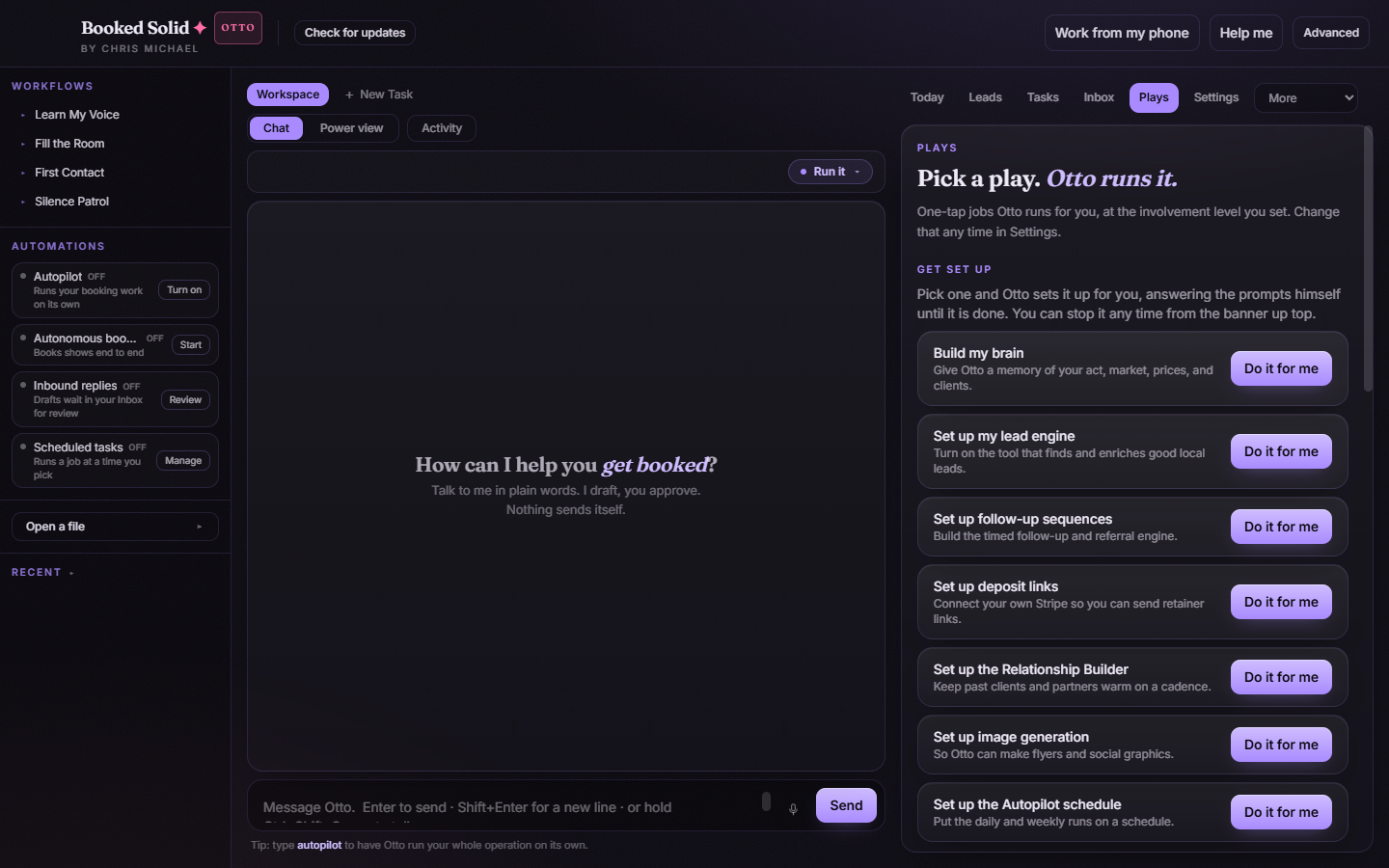
Nothing goes out on its own by default. Each play's event automation is opt-in: nothing event-driven runs unless you enabled that specific play. On top of that, the sending itself only happens for message classes you explicitly opted in - everything else lands as a draft for your review. Unattended Autopilot runs are part of the paid Otto tier.
The four touch classes that can auto-send
Each play carries a guardrail class. Only these four classes can ever auto-send, and only when you opted that class in:
- Follow-ups (Silence Patrol): the next nudge to a lead who went quiet.
- Logistics reminders (Show Ready): pre-event details with no number in them.
- Review and referral asks (The Flywheel): the post-gig thank-you and review request.
- Occasion touches (Warm Desk): touches to past buyers with no number in them.
The caps that bound an opted-in class
- Anything carrying a number stays a draft. A price inside an otherwise safe message pulls it back to your review, even in an opted-in class.
- Follow-up cap. Silence Patrol prepares at most five touches per lead, each one adds something genuinely new, it stops the moment a lead replies or opts out, it never restarts a stopped sequence, and it never bulk-sends.
- Your house rules hold at release time. A do-not-contact entry is never contacted, your floor rate is never crossed, and the max-touches-per-lead rule is re-checked at the moment of release.
What never auto-sends, ever
The plays that touch money (Handle the Reply, Build Proposal, Lock It In) are excluded from auto-send entirely. There is no opt-in that lets a quote, contract, price, or date commitment send itself - you perform those yourself at every autonomy level. Cold outreach, quotes, negotiation, and contracts stay drafts to approve even in Fully Autonomous Booking. Draft-only plays never send anything.
Seeing what went out, and pausing it
At the Run it dial position, Otto shows you everything it did after the run. To pause auto-sending: turn the autonomy dial back to Check with me (anything that sends stops for your approval) or Show me (nothing leaves without you), turn off that play's automation so it no longer fires on events, or stop a running Autopilot any time from the banner up top.
Still stuck? Email bookedsolid@kivimedia.freshdesk.com and a person will help.
Was this article helpful?
That’s Great!
Thank you for your feedback
Sorry! We couldn't be helpful
Thank you for your feedback
Feedback sent
We appreciate your effort and will try to fix the article