Not sure where something lives or what a button does? The Help buddy is a small window built into the app that answers questions about Booked Solid in simple, jargon-free language, and can even take you to the right screen with one tap.
Opening the Help buddy
Click Help me in the top bar - it is always visible, on every screen. The Help buddy opens in its own separate window, so it never covers the work you were doing.
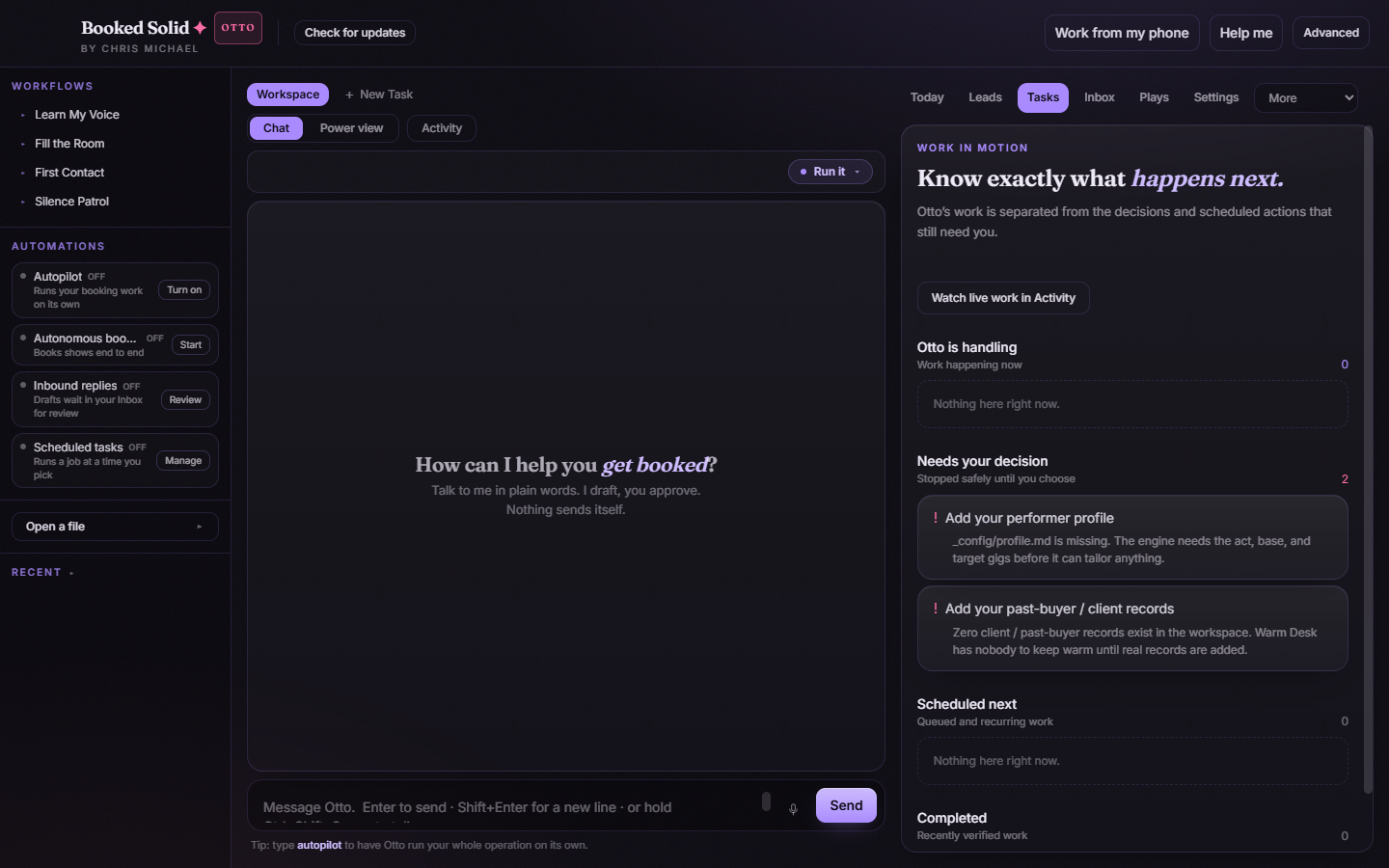
Asking a question
- Type your question into the Ask anything box. Anything goes: "where do I see my leads", "how do I stop a running job", "what does the amber dot mean".
- Press Enter to send, or click the Ask button.
- Read the answer. Replies are written to be understood on the first read - think fifth-grade simple, on purpose.
Action buttons inside answers
The best part: when the answer involves a specific screen, the reply often includes a one-tap action button, such as opening a tab or checking your inbox. Instead of describing a path and leaving you to find it, the Help buddy takes you there directly. Tap the button and the app navigates for you.
Closing it
Press the Close button or hit Esc. The window closes and you are back exactly where you were.
When to use the Help buddy vs this help center
- Help buddy: quick "where is it" and "how do I" questions while you are inside the app. It knows the app's screens and can jump you to them.
- This help center: longer walkthroughs, setup guides, billing questions, and anything you want to read outside the app.
A good habit: before hunting through menus, just ask. The Help buddy usually gets you there faster.
Still stuck? Submit a ticket from this help center and we'll take it from there.
Was this article helpful?
That’s Great!
Thank you for your feedback
Sorry! We couldn't be helpful
Thank you for your feedback
Feedback sent
We appreciate your effort and will try to fix the article