Your do-not-contact list is checked at the Approve button, and it blocks close matches on purpose, not just exact ones. This article explains how the matching works, what to type for a person, a company, or a whole domain, and what happens when something trips it.
Where the list lives
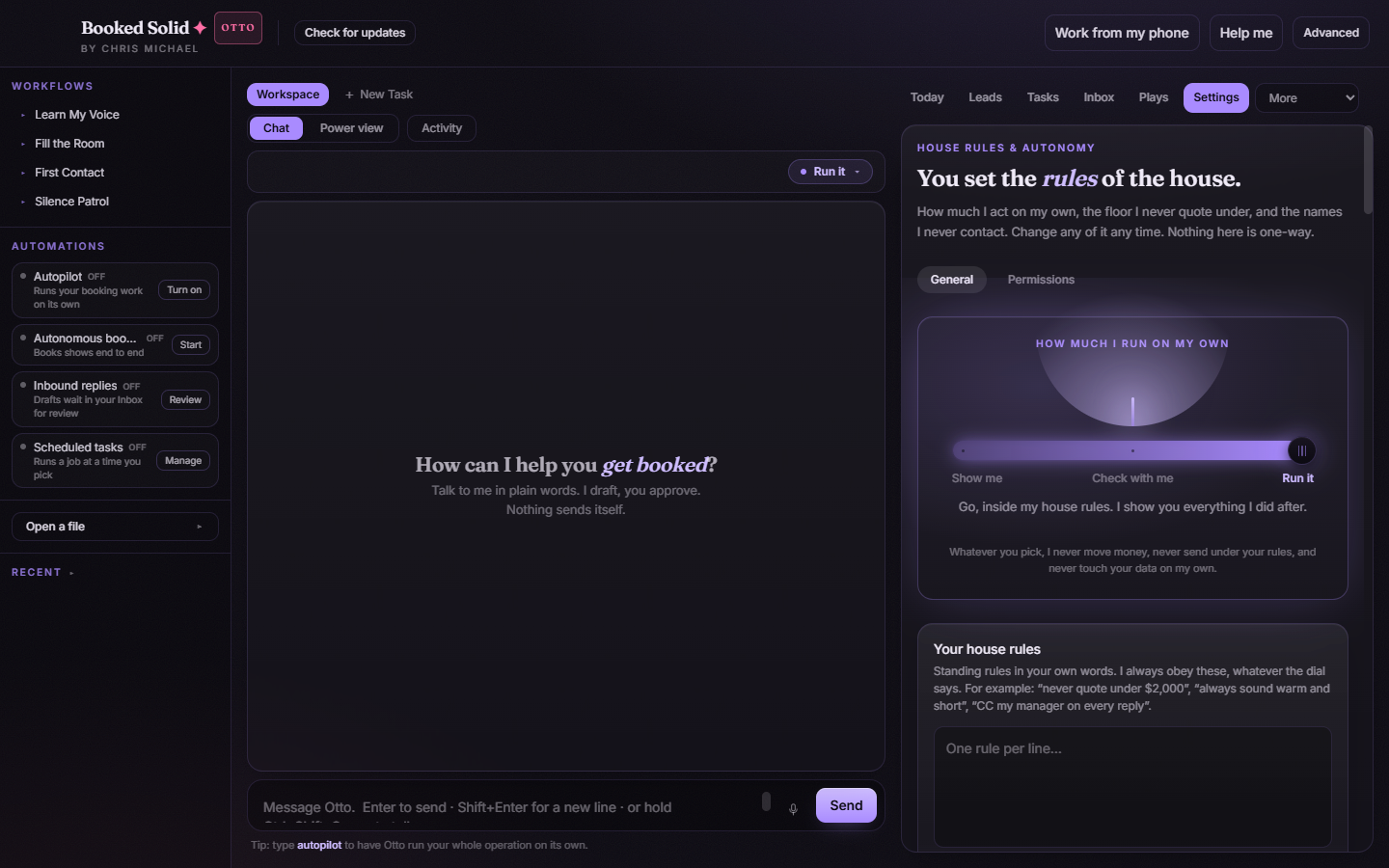
Open Settings, stay on the General tab, and find the Rules I enforce for you card. The Never contact box takes one name or email per line. As the card says, this is not just guidance: the list is checked at the Approve button and blocks anything that breaks it.
Why the matching is loose on purpose
A do-not-contact rule only works if a typo or formatting difference cannot let a blocked person through. So the check ignores case, spaces, and punctuation, and it matches three ways:
- Exact match. The recipient is exactly what you typed.
- Contains match, both directions. If your entry (letters and numbers only, at least 3 characters) appears inside the recipient, or the recipient appears inside your entry, it blocks. So the entry Jane Doe also blocks jane.doe@corp.com, and vice versa.
- Email name match. The part of an email before the @ is compared on its own. An entry of jane.doe@oldjob.com also blocks jane.doe@newjob.com.
When there is a near miss, the app takes the safe side: it blocks. A rule whose whole point is "never contact this person" should over-block rather than under-block.
What to enter for a person, a company, or a domain
- A person: add their full name on one line and their email on another. The name catches messages addressed by name; the email catches every address with that same name before the @.
- A company: add the company name. Any recipient whose name or email contains it gets blocked.
- A whole domain: add the domain itself, like corp.com. Because of the contains match, every address at that domain is blocked.
What happens when something is blocked
When a Play or a drafted action is about to send, quote, or commit a date to someone on the list, Approve is blocked with a plain reason, for example: "jane.doe@corp.com is on your do-not-contact list." Nothing goes out.
The check also fails closed: if an action would go to a person but the app cannot confirm who the recipient is, Approve is blocked too, with a message like "Couldn't confirm who this goes to, so I can't check it against your do-not-contact list." Edit the item so the recipient is clear, then approve. On top of the hard check, the list is also written into Otto's instructions, so drafts avoid these people in the first place.
If it blocks the wrong person
Loose matching can catch an innocent contact. If a short entry like Ana is blocking people it should not, make the entry more specific: use the full name, the full email address, or the exact domain. The list only blocks what you keep on it, so tightening a line unblocks everyone the broader version was catching.
Still stuck? Email bookedsolid@kivimedia.freshdesk.com and a person will help.
Was this article helpful?
That’s Great!
Thank you for your feedback
Sorry! We couldn't be helpful
Thank you for your feedback
Feedback sent
We appreciate your effort and will try to fix the article