Computer control is a connection that lets Otto see and use your desktop, for apps that have no connection of their own. This article shows how to turn it on and what it can and cannot do.
What it is
Most connections reach one service directly, like Gmail or Stripe. Computer control is different. It lets Otto read your screen and, when you allow it, use the mouse and keyboard on your behalf. Use it when the app you need has no direct connection you can add. It works on Mac and Windows only.
What it can do
Reading is on the moment you switch it on. With reading, Otto can:
- Take a screenshot of the screen.
- List the apps currently running and which one is in front.
- Read the labels and controls of the front window, so it can find things by name.
Acting is a separate, stronger step. When you allow it, Otto can open an app, type text, press a key, and click a button or a point. Acting turns on only when two things are true: you set this connection to write on the Permissions tab, and your operating system has actually granted the control permission.
How to turn it on
- Open Settings and find Control this computer under Tool access.
- Switch it on. Otto can now read the screen right away.
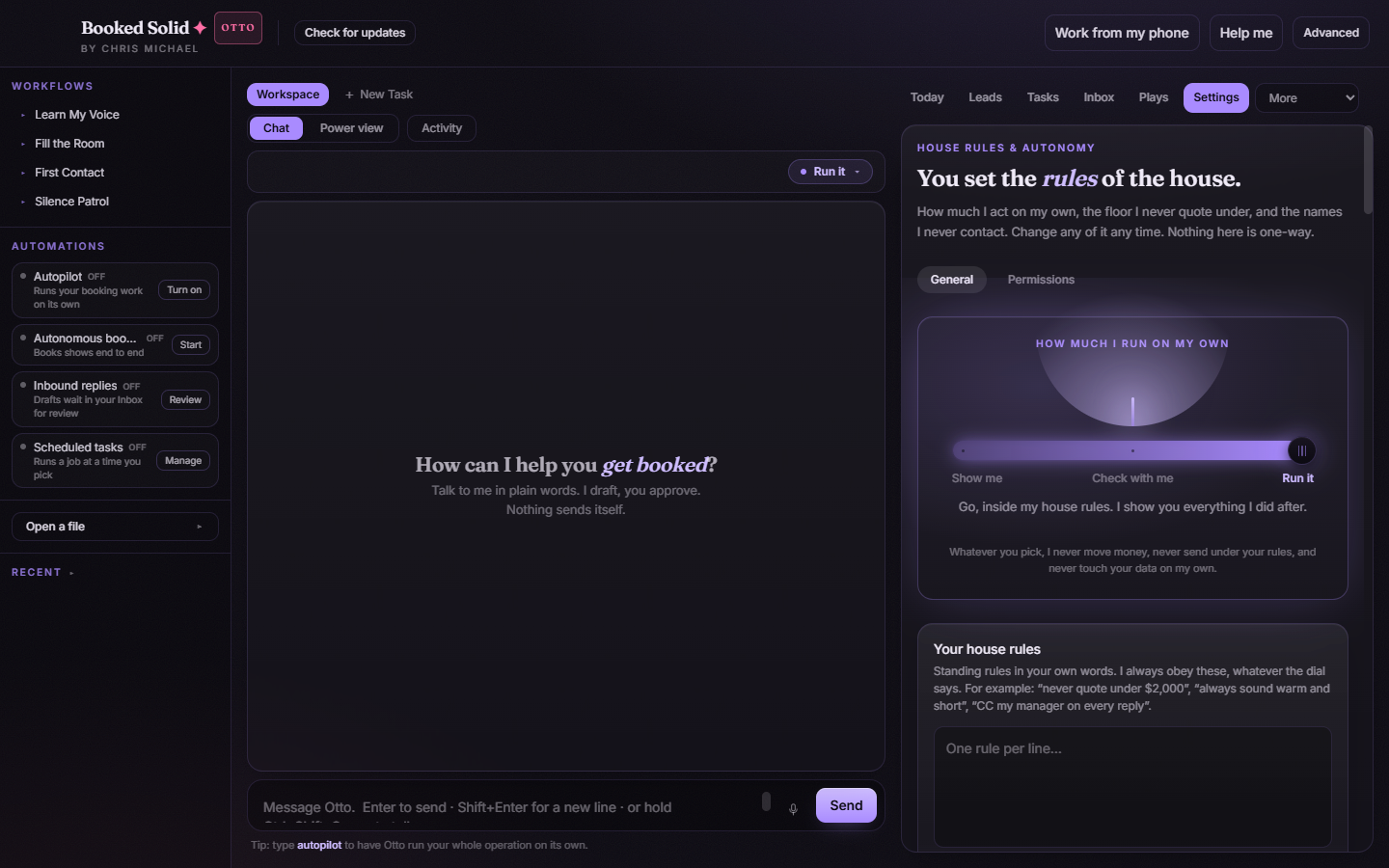
- To let Otto also click and type, open the Permissions tab and give this connection write access.
- On a Mac, also turn on Accessibility for Booked Solid under System Settings, Privacy and Security. Screenshots also need Screen Recording there. Without these, acting is refused with a clear message.
When to use this instead of browser control
Reach for browser control when the work lives on the web and you want your own sign-ins in a browser window. Reach for Computer control when the work lives in a desktop app that has no connection of its own. Both keep the same rule: anything that submits or posts waits for you.
The limits stay on
This is the most powerful surface in the app, so it is the most careful one. There is no send, no pay, and no delete tool here at all. The app's safety guard still blocks sending a message, moving money, and deleting your data, even when a play runs on its own. Because Otto is clicking on your behalf, it works under your review, never on its own for anything that matters.
Good to know
- Reading works without the operating-system permission. Clicking and typing do not.
- Turn write access off on the Permissions tab any time to put Otto back to read-only.
- If clicking does nothing on a Mac, check that Accessibility is on for Booked Solid, then try again.
Still stuck? Email bookedsolid@kivimedia.freshdesk.com and a person will help.
Was this article helpful?
That’s Great!
Thank you for your feedback
Sorry! We couldn't be helpful
Thank you for your feedback
Feedback sent
We appreciate your effort and will try to fix the article