If your daily digest, follow-up sweep or backup quietly stopped happening while your computer was on the whole time, this is almost always one stuck job holding the queue. Here is how to spot it and clear it.
What you will see
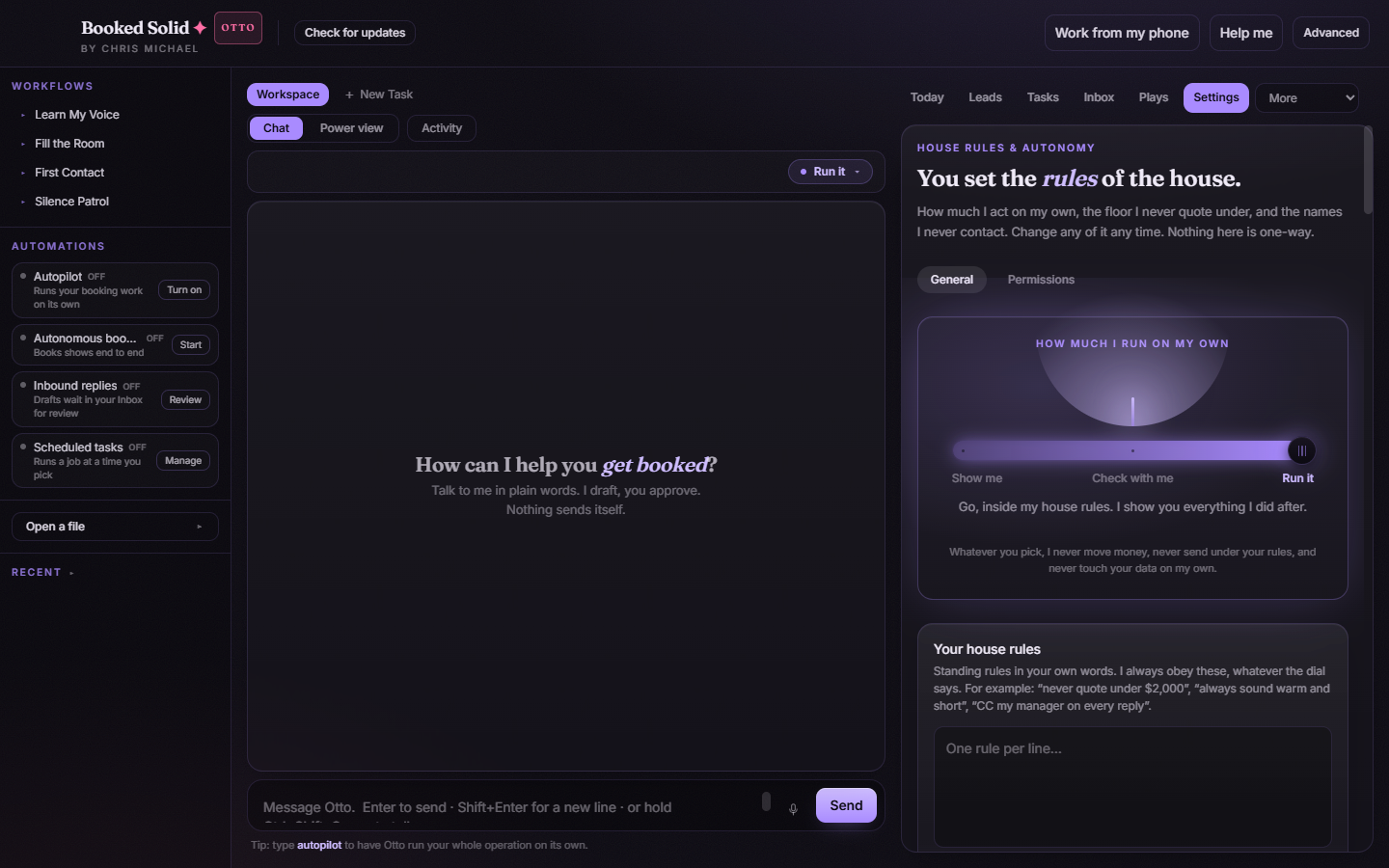
Open Settings and look at the Runs on its own card. The signs are:
- A task whose line reads last ran with a date days or weeks ago, even though it is set to run daily.
- A backup task with no status line at all.
- Pressing Run now answers Another scheduled job is already working. when nothing is visibly running.
Why it happens
The app runs one scheduled job at a time on purpose, so two runs never touch your records at once. That slot used to be handed back only when the exact run holding it finished. So a single run that never finished and never failed kept the slot for good, and every later task waited behind it in silence. The tasks kept showing their last successful day, which is why it looks like nothing is wrong.
The most common cause is a backup writing into a folder that a sync client is holding: OneDrive, Dropbox or iCloud can hold the write open, the archive step waits forever, and the backup neither finishes nor fails.
Fix it
- Update the app. Download the current version from booked.kivimedia.co/download. From version 1.11.58, a job that has held the slot for more than an hour is treated as abandoned: the slot is handed back on its own, that one task is marked as not finished, and it tries again on its normal schedule. One stuck run now costs you one run instead of every later one.
- Need it working right now, before updating? Quit Booked Solid completely and open it again. Restarting clears the slot and your schedules resume.
- Move a syncing backup folder. In Runs on its own, on your backup row, use Change folder and pick a plain local folder. From 1.11.58 an archive that runs longer than 30 minutes is stopped and says so: The backup did not finish writing and was stopped. If the folder syncs to OneDrive, Dropbox or iCloud, back up to a plain local folder instead.
Reading the status line
Each task shows its own short status under the name:
- ran today with the time it finished.
- last ran with a date: it has not run since that day.
- last try did not finish - will try again: it failed today and has another attempt coming.
- last try did not finish - done trying today: no further attempts until tomorrow.
Good to know
Scheduled tasks only run while the app is open. If the app was closed or the laptop was asleep at the set time, that is a different cause with its own article. Check that first if your computer is not on around the clock.
Still stuck? Email bookedsolid@kivimedia.freshdesk.com and a person will help.
Was this article helpful?
That’s Great!
Thank you for your feedback
Sorry! We couldn't be helpful
Thank you for your feedback
Feedback sent
We appreciate your effort and will try to fix the article