Booked Solid does its thinking on Claude, through your own Claude account. You sign in once during the "Get Otto ready" setup, a paid Claude plan powers everything (claude Pro, about $20 a month, covers most performers; if you run Autopilot hard every day, you may need Claude Max, about $100 a month), and that is the whole connection: no API key needed, nothing to paste.
Do I need an API key?
Almost certainly not. Your Claude sign-in covers chat, tasks, Autopilot, and the account connections like Gmail. An API key is a different way to pay for AI, meant for special cases, and it comes with a real catch below. If things work, leave keys alone.
The catch with an Anthropic (Claude) API key
If an Anthropic API key is active on your computer, the assistant runs on the key instead of your Claude account, and account connections like Gmail switch off while the key is in use. That is how Claude itself behaves, not a Booked Solid choice. It also bills you per use, on top of the Claude plan you already pay for. So if Gmail will not connect and you once added an Anthropic key, remove the key; the account connection can then come through again.
What about ChatGPT or Gemini?
You may see ChatGPT (Codex CLI) and Gemini listed under Connectors. Booked Solid's safety checks - the guard that keeps drafts as drafts and never lets money move on its own - run on Claude today, so those assistants cannot carry your booking work yet. Claude is the one to use. If you prefer a fully local option, Local AI (Ollama) is available under Advanced and still runs through the same safety checks.
If you do add a key
Some optional connections, like lead research tools, are set up by pasting that provider's key on the Connectors tab. Two things are worth knowing before you paste anything:
- Keys are encrypted in the vault and never shown again. Once saved, the app uses the key on your behalf but will not display it. If you ever need the raw key again, get it from the provider's key page, not from the app.
- The app warns you if secure storage is unavailable. On machines where the secure vault cannot be used, a warning banner appears so you can decide whether to proceed. If you see that banner and are unsure, hold off and contact support.
Pick how thorough the assistant should be
Setup is one half. The other half is telling the app how hard to think:
- Click Advanced in the top bar.
- Use the Assistant select to choose which assistant handles your chats and tasks (Claude is the recommended one).
- Use the Thoroughness select to choose the model tier - quicker and lighter, or slower and more careful.
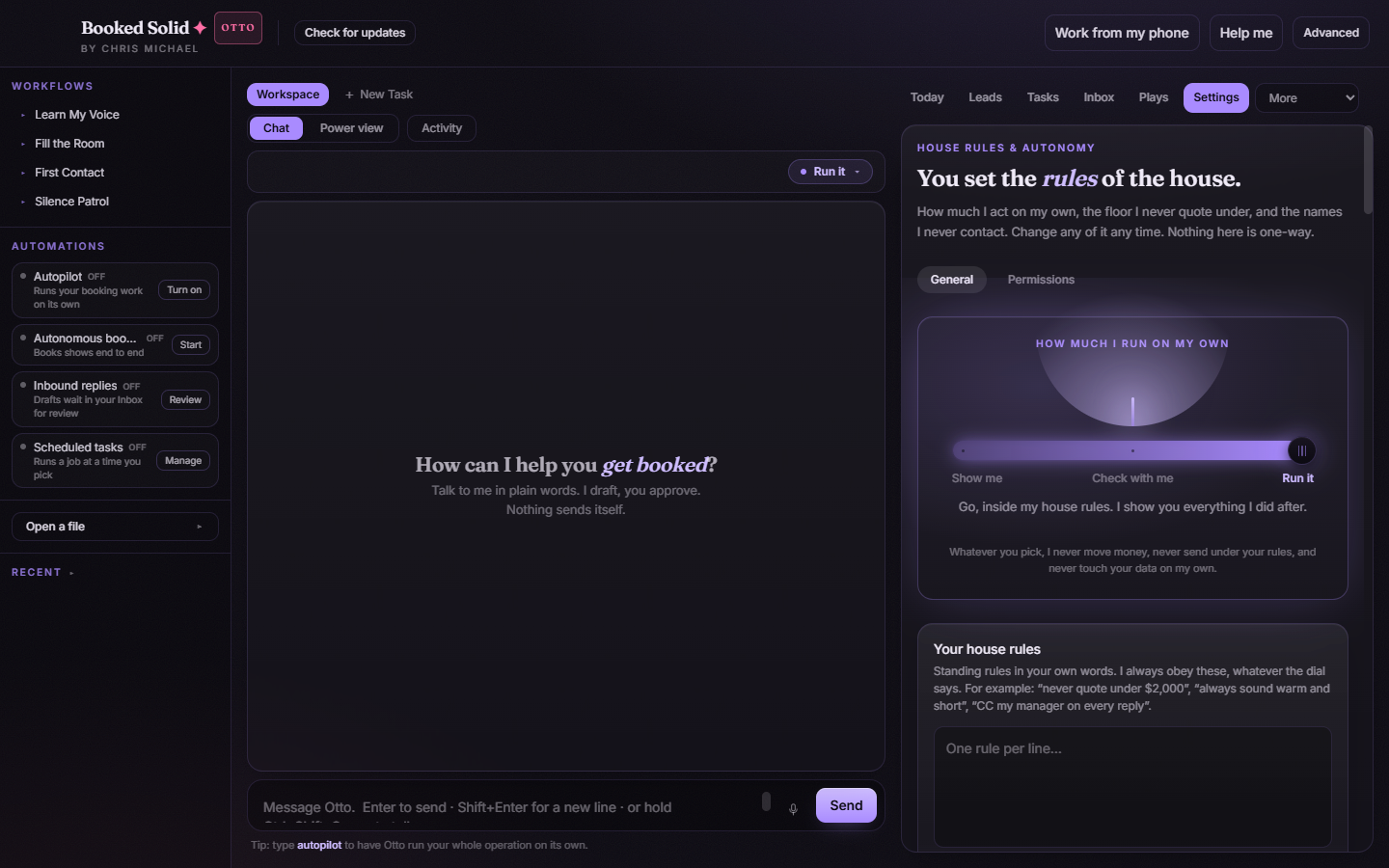
You can switch these at any time. A common setup is to keep Thoroughness low for everyday drafting and turn it up when the work matters, like a tricky quote or a long client thread.
Still stuck? Submit a ticket from this help center and we'll take it from there.
Was this article helpful?
That’s Great!
Thank you for your feedback
Sorry! We couldn't be helpful
Thank you for your feedback
Feedback sent
We appreciate your effort and will try to fix the article