Some plays can start themselves when something real happens in your pipeline: a lead goes quiet, a client accepts, a show date gets close. This article shows you how to switch that on per play and explains exactly what makes Otto decide a run is due.
Turn it on per play
Event-driven automation is opt-in, one play at a time. Nothing starts itself unless you switched that play on.
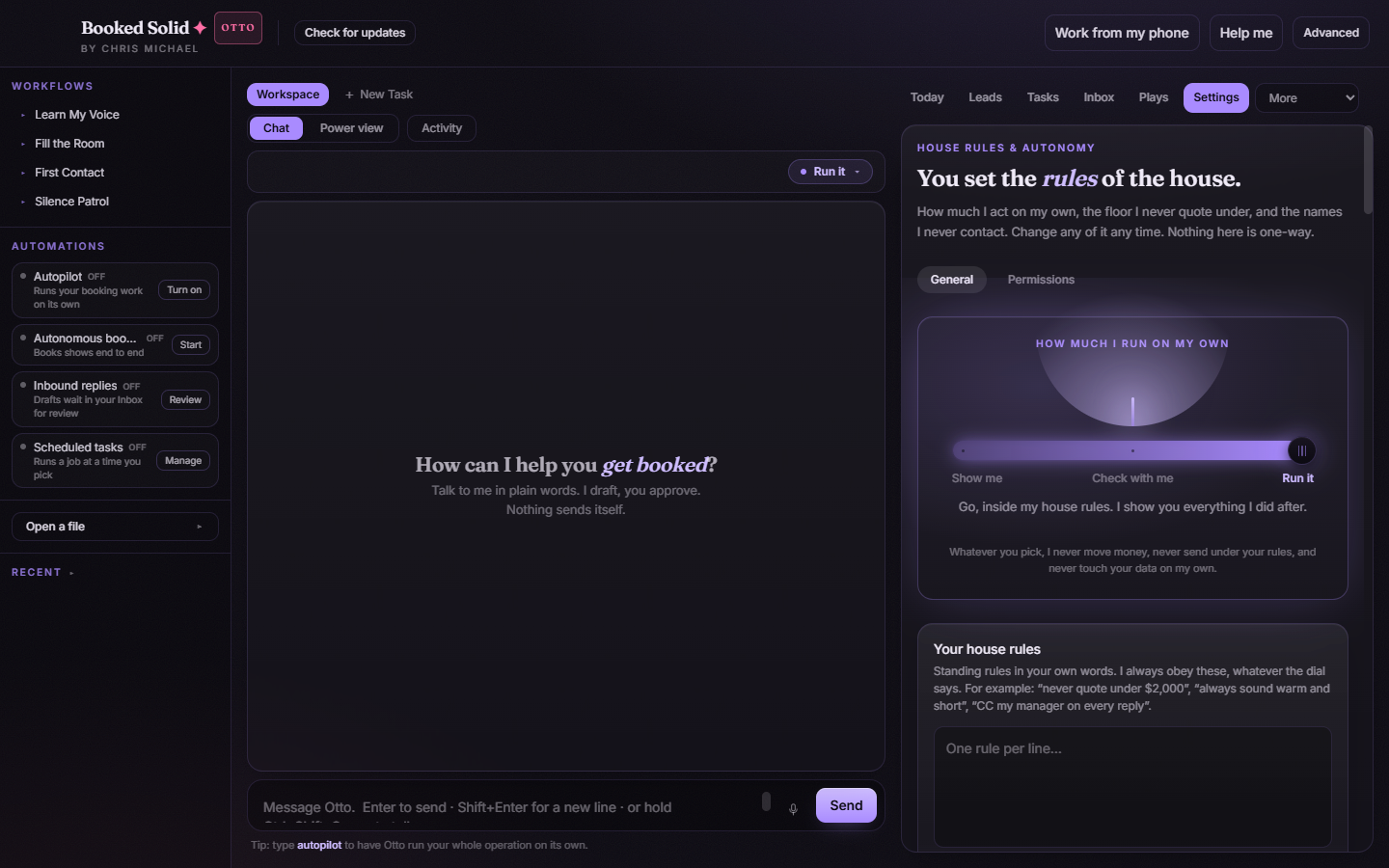
- Open Settings and find the card called Plays that may start themselves.
- You will see the plays that can react to events, each with its own toggle labeled Allow [play name] to queue itself. Every toggle starts off.
- Switch on only the ones you want queued automatically.
What makes a play due
Each play watches for one specific signal:
- Silence Patrol: a lead you are waiting on has been quiet for 7 days or more.
- Handle the Reply: a lead needs a reply.
- Lock It In: a lead moved to accepted.
- Show Ready: an event date is within 14 days.
- The Flywheel: a done lead's event date has passed.
- Warm Desk and Business Check-In: these run on a weekly and monthly rhythm rather than a lead event.
While the app is open, Otto rescans your pipeline for these signals about once a minute. There is no background service, so if the app is closed nothing is being watched.
When a run does fire, its card shows the reason in plain words, for example that a lead has been quiet for 9 days or that a lead said yes, so you are never guessing why it started.
Due does not mean unsupervised
An event-triggered run goes through the exact same rules as a run you start by hand. Your autonomy dial still governs what happens: on Show me everything stays a draft, on Check with me anything that sends, commits, or spends stops for your approval, and even on Run it the uncrossable limits hold. Turning a toggle on decides when a play may start, never what it is allowed to do.
Two more checks run before anything happens:
- Right before a queued job starts, Otto re-checks the trigger. If the situation changed, say the quiet lead already replied, the job quietly completes as No longer needed; the original trigger has changed. instead of running on stale information.
- If a play still needs setup (for example, it has not learned your voice yet), the automated run is blocked by the same context gate that blocks a manual launch, instead of guessing.
Good to know
- Only one job runs at a time. A due play waits its turn behind whatever is already running.
- If the app closed in the middle of a run that may have contacted someone, that job is marked failed and is never replayed automatically. Review it before running the play again so nobody hears from you twice.
Still stuck? Email bookedsolid@kivimedia.freshdesk.com and a person will help.
Was this article helpful?
That’s Great!
Thank you for your feedback
Sorry! We couldn't be helpful
Thank you for your feedback
Feedback sent
We appreciate your effort and will try to fix the article