If you turned on Autopilot and it seems to switch itself off, that is almost always expected behavior, not a bug. Autopilot runs one task and then stops. Here is what is really happening and how to keep it working for you.
Autopilot runs one task, then it is done
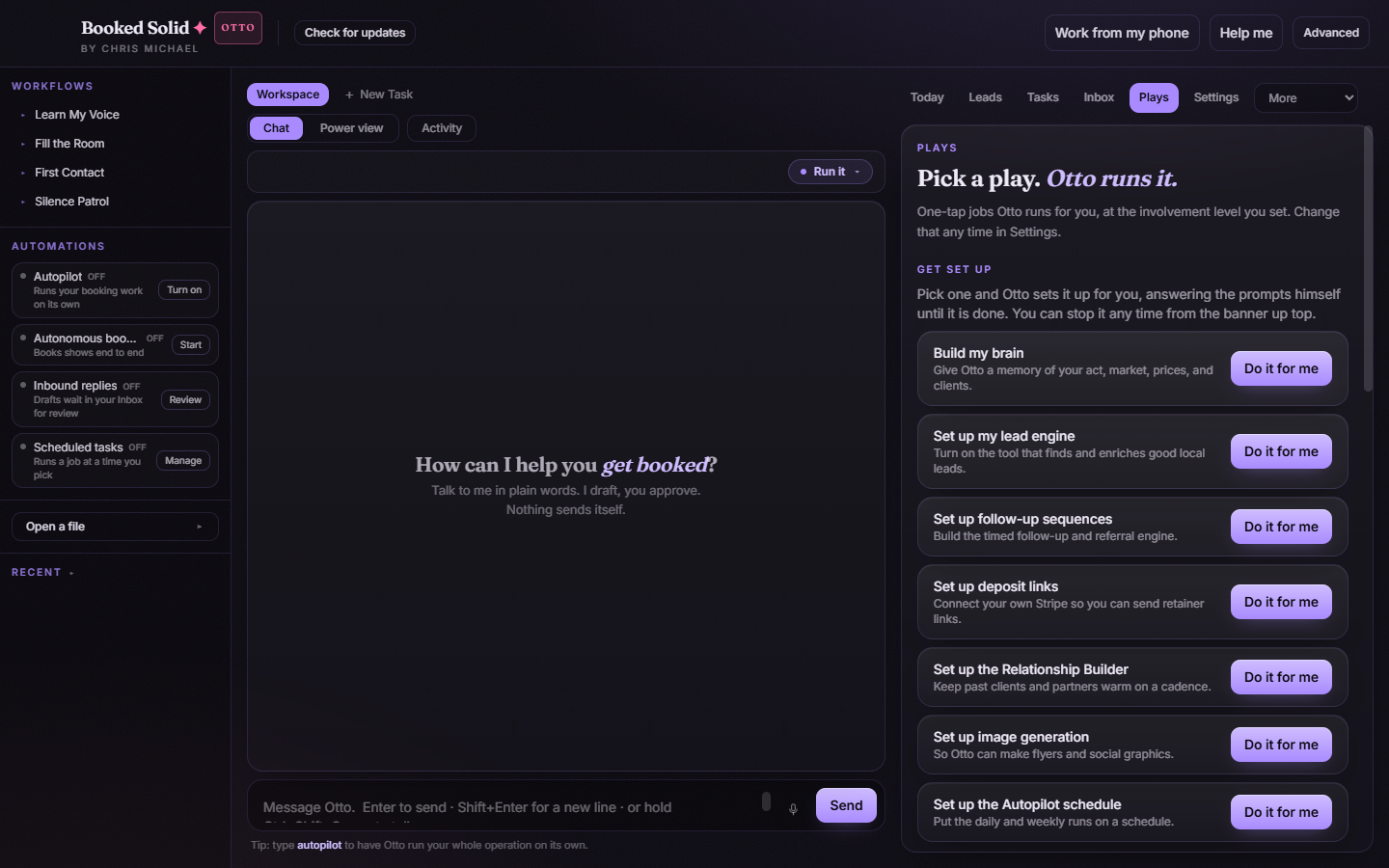
Autopilot hands Otto a whole task and lets him run it without you sitting there. You always choose the task first, so nothing runs that you did not ask for. When that task finishes, Autopilot is done and the control returns to off. It is not a permanent always-on switch, so seeing it off again after a run is normal.
It needs the Otto tier and EPIN
Autopilot belongs to the Otto tier. On a Pearl account, turning it on shows an upsell window with Upgrade to Autopilot and Not now instead of starting, so it will not stay on. Autopilot also requires EPIN membership. If you have not joined, the EPIN gate appears; join from inside that window and the flow continues straight into the task chooser.
If Autopilot keeps refusing to stay on, check that you are on the Otto tier and that you have joined EPIN.
Nothing wakes up on its own unless you allow it
Booked Solid is deliberately careful about unattended work. Plays that can start themselves default to off and are opt-in one at a time. A Play appearing in the catalog is not consent for it to run on its own, so event-triggered runs stay off until you switch each one on.
For work that should repeat, use a scheduled task
If what you really want is Otto doing something on a regular rhythm, set up a task under Runs on its own (scheduled tasks) rather than expecting Autopilot to stay engaged. Note that scheduled tasks run only while the app is open.
Still stuck? Email bookedsolid@kivimedia.freshdesk.com and a person will help.
Was this article helpful?
That’s Great!
Thank you for your feedback
Sorry! We couldn't be helpful
Thank you for your feedback
Feedback sent
We appreciate your effort and will try to fix the article