On a Mac, Booked Solid needs a few system permissions to do its best work: the microphone powers hold-to-talk voice dictation, and accessibility plus screen access power tasks that control your browser or computer. Grant them once and every feature that needs them just works.
The three places permissions show up
- During first run - the opening walkthrough has a permissions step with an Allow / Open Settings button per permission, plus Continue and Skip for now. Skipping is fine; you can grant later.
- Settings > Permissions - the permanent home. Every permission is listed with either a granted checkmark or an Allow / Open Settings button.
- Mid-task - when a task mentions browser or computer control, the app checks accessibility and screen permissions first. If one is missing, a modal appears: "This task requires X" with Request permission and Not now.
Grant a permission from Settings > Permissions
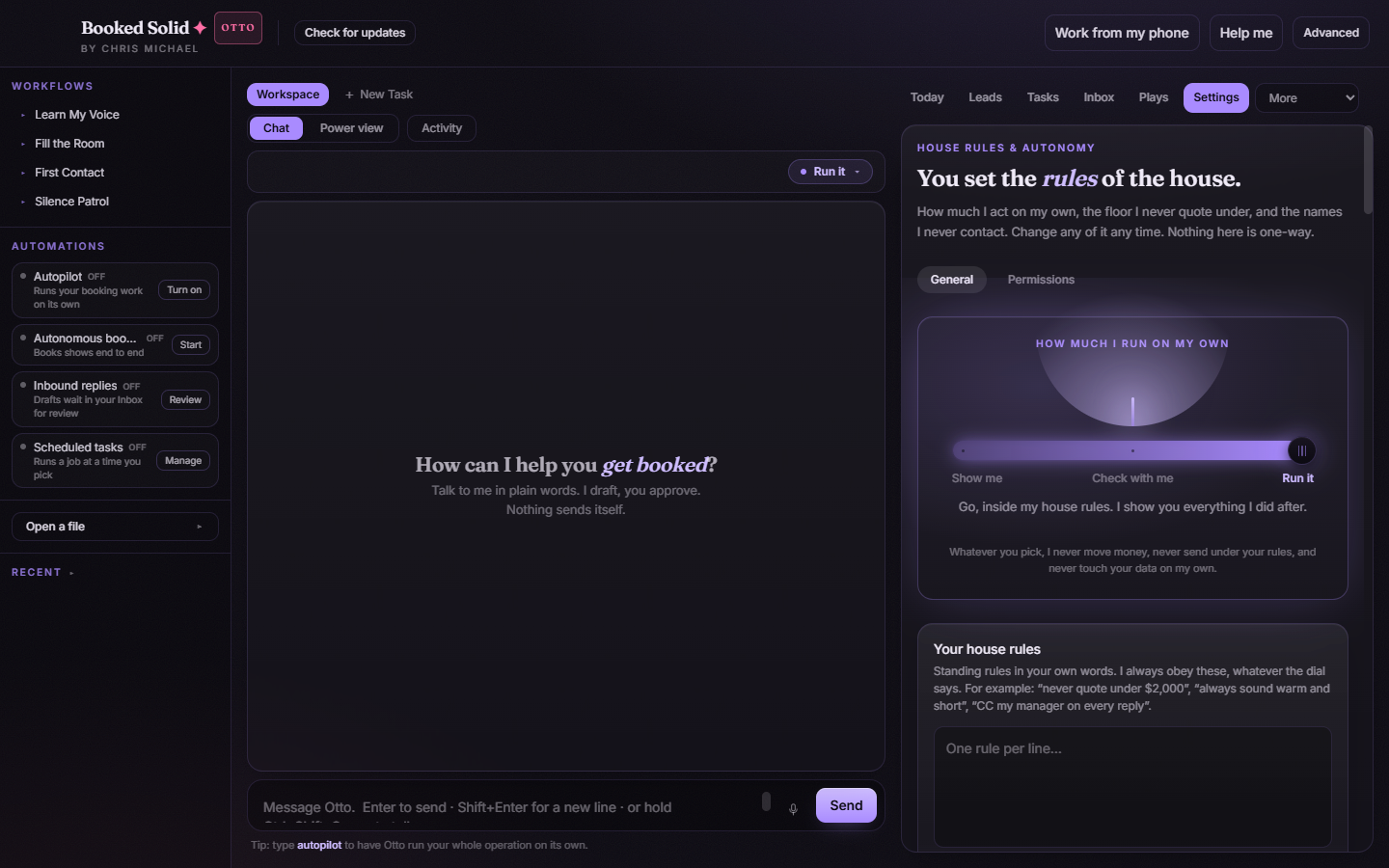
- In the right pane, open the Settings tab.
- Switch to the Permissions sub-tab (next to General).
- Find the permission row you need - microphone, accessibility, or screen. Rows that are already granted show a checkmark.
- Click Allow. If macOS requires you to flip the switch yourself, the button reads Open Settings instead and takes you straight to the right pane of macOS System Settings - turn on Booked Solid there.
- Back in the app, the row shows a checkmark once the permission is granted.
When a task asks mid-run
If Otto starts a job that needs your browser or computer and a permission is missing, the "This task requires X" modal appears before anything runs:
- Request permission - kicks off the grant right there, so the task can continue.
- Not now - declines for the moment. The task cannot use that capability until you grant it, so expect the browser or computer-control part of the job to stay blocked.
Which permission does what
- Microphone - hold-to-talk dictation, both the app-wide hotkey overlay and the mic button in chat.
- Accessibility and screen - tasks that drive your browser or control your computer on your behalf.
If dictation stays silent or a browser task keeps stalling at the same point, an ungranted permission is the first thing to check - open Settings > Permissions and look for a row without a checkmark.
Still stuck? Submit a ticket from this help center and we'll take it from there.
Was this article helpful?
That’s Great!
Thank you for your feedback
Sorry! We couldn't be helpful
Thank you for your feedback
Feedback sent
We appreciate your effort and will try to fix the article