You never have to hunt for updates. Booked Solid checks for a new version every time it launches, downloads it quietly in the background, and then simply waits for you - a small badge in the top bar tells you when a restart will bring you up to date. Your work and saves are never touched by an update.
The quiet auto-update
On every launch, the app automatically checks for a new version and, if one exists, downloads it in the background. Nothing interrupts what you are doing - no pop-ups, no forced restarts.
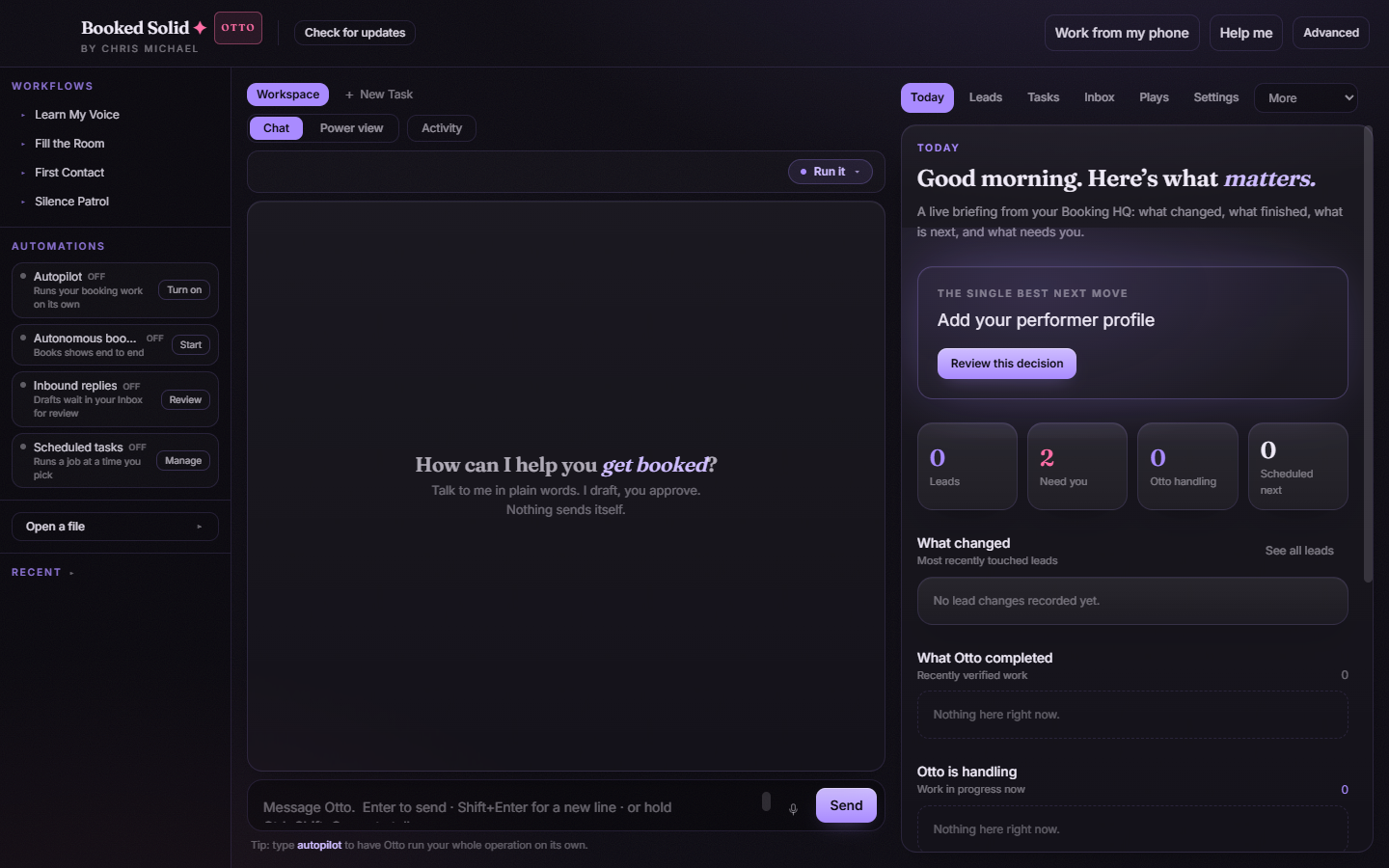
The top-bar badge
While a new version is downloading, a passive Getting update badge appears in the top bar. When the download finishes, it changes to Update ready. Clicking the badge opens the update window where you can install it.
Checking manually
You can also check any time: click Check for updates in the top bar. The update window opens and walks through its states in front of you.
What the update window can show
- Checking: the app is asking the server whether a new version exists.
- Available: a new version was found and the download is about to begin.
- Downloading: a progress bar shows the download as it happens.
- Ready: the update is downloaded and waiting - this is where the Restart & install button appears.
- None: you are already on the latest version.
- Move the app (Mac only): the app is not in the Applications folder, so the update cannot install. Move it to Applications and try again (see the Mac install article in this folder).
- Dev build: shown only on development copies of the app, which do not receive updates.
- Error: something went wrong with the check or download. See "The app is stuck on an old version or won't update" in this folder.
Installing: Restart & install
- Open the update window by clicking the Update ready badge, or via Check for updates in the top bar.
- Click Restart & install. The app closes, installs the new version, and reopens - it takes a few seconds.
- Not a good moment? Click Later (or Close). The badge stays in the top bar so you can install whenever it suits you.
Your work is safe
Updates replace only the app itself. Your leads, conversations, files, and settings are untouched - you come back from a restart to exactly where you left off, just on a newer version.
Still stuck? Submit a ticket from this help center and we'll take it from there.
Was this article helpful?
That’s Great!
Thank you for your feedback
Sorry! We couldn't be helpful
Thank you for your feedback
Feedback sent
We appreciate your effort and will try to fix the article