This article explains exactly what goes into a Booked Solid OS backup, where the archive lands, how to get free cloud backups, and why your API keys are deliberately left out.
What a backup contains
Each backup run produces one compressed archive with everything Booked Solid knows:
- Your whole Booking HQ workspace - every lead, note, and file you or Otto created.
- The app's settings file.
Two kinds of things are skipped on purpose:
- Derived indexes (like the search index). These are rebuilt automatically on any machine, so they would only bloat the archive.
- The vault: your API keys and sign-in secrets. Keys are encrypted with this computer's OS keychain, and that encryption cannot be exported. More important: a backup that quietly carried decrypted secrets into a synced folder would be a leak, not a feature. The honest trade is that after restoring on a new machine, you re-add your keys.
Where backups go, and free cloud backups
Backups are written to a folder you choose, as one file per run named BookedSolid-Backup-YYYY-MM-DD-HHMM.tar.gz. The app keeps the newest 10 archives in that folder and removes older ones it created itself - it never touches other files there.
Here is the free cloud trick: point the backup folder at a Google Drive, Dropbox, or OneDrive folder on your computer. Your own sync client carries each archive to the cloud. The app itself never talks to any cloud, which also means backups work exactly the same when you are offline.
How often backups run, and how to check the last one
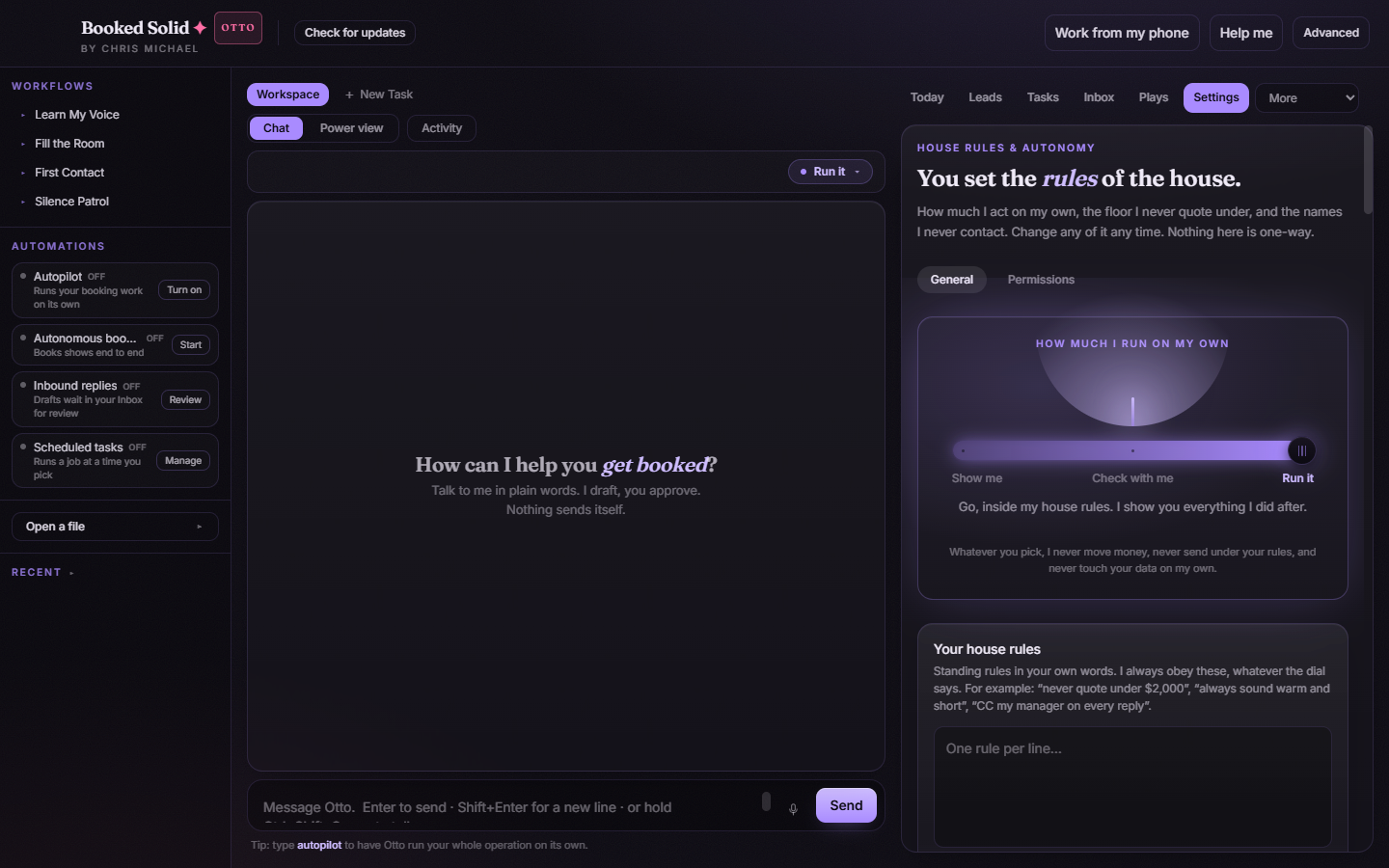
Backups can run on a schedule: add the Back up my data task under scheduled tasks in Settings. A scheduled backup runs once per day at its set time, and it does not need the AI engine or even a signed-in account - it is plain app-side work. Scheduled tasks run only while the app is open, and if your laptop was asleep at the scheduled time, the backup runs when it wakes.
To confirm a backup happened, open the backup folder you chose and look at the newest file. The date and time are right in the file name, so the most recent BookedSolid-Backup-... archive tells you exactly when the last backup finished.
If it does not work
- Pick a folder for backups first means the scheduled task has no destination folder set yet - edit the task and choose one.
- The backup could not be finished. Check that the folder exists and has room, then try again. means the destination folder is missing or the disk is full.
- Another backup or restore is already working. means a run is in progress - wait for it to finish, then try again.
- Restoring on a new computer works, but remember: your API keys are not in the archive, so reconnect them after the restore.
Still stuck? Email bookedsolid@kivimedia.freshdesk.com and a person will help.
Was this article helpful?
That’s Great!
Thank you for your feedback
Sorry! We couldn't be helpful
Thank you for your feedback
Feedback sent
We appreciate your effort and will try to fix the article