Yes, you can work with Booked Solid OS in Spanish, with one thing to understand first. The Language setting changes the language Otto speaks to you, not the app's menus and buttons. Here is exactly what it does and does not do.
What the Language setting changes
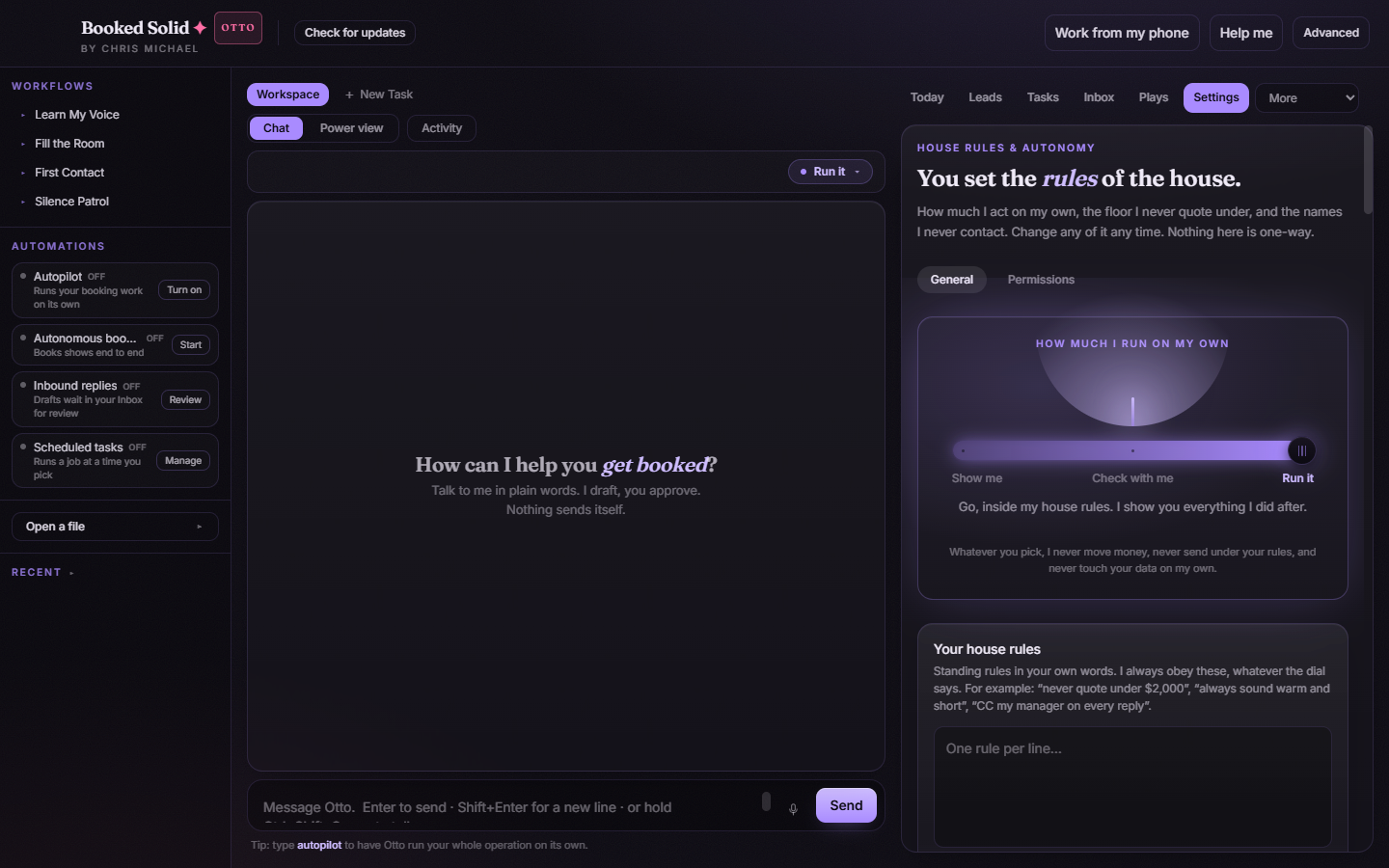
Open Settings > General and find the Language select in the Appearance and language controls. The default is Match how you write to me, which means Otto answers in whatever language you write in. You can also pick a specific language.
This controls the language Otto uses with you in three places:
- The main Chat with Otto
- The Help buddy (ask anything in plain words)
- Otto's autonomous runs
So you can type to Otto in Spanish and he replies in Spanish, and you can ask the Help buddy your questions in Spanish too.
What it does not change
The app's own interface, meaning the menu names, tab labels, and buttons, stays in English. The Language setting does not translate the interface itself. If you set your language to Spanish, Otto talks to you in Spanish, but the buttons around him stay in English.
Your client emails are separate
Your language setting does not decide the language of the messages Otto drafts to your clients. Client-facing drafts go in the language your client expects, so a Spanish-speaking client still gets Spanish and an English-speaking client still gets English, whatever your own Language setting is.
Set it
- Go to Settings > General.
- In Appearance and language, open the Language select.
- Choose your language, or leave Match how you write to me and simply write in Spanish.
Still stuck? Email bookedsolid@kivimedia.freshdesk.com and a person will help.
Was this article helpful?
That’s Great!
Thank you for your feedback
Sorry! We couldn't be helpful
Thank you for your feedback
Feedback sent
We appreciate your effort and will try to fix the article