When you try to connect Microsoft 365 or Google inside Booked Solid and get a red error about an unlocked OS keyring, or that the sign-in cannot be stored, the problem is where your computer keeps secrets, not your account. Here is what the message means and the fix for each kind of computer.
What the error means
To connect a service, Booked Solid saves that sign-in in your computer's secure store: the Keychain on a Mac, DPAPI on Windows, and gnome-keyring or KWallet on Linux. If the app cannot write to that store, it refuses to keep the sign-in and shows the keyring error. Your account and license are fine.
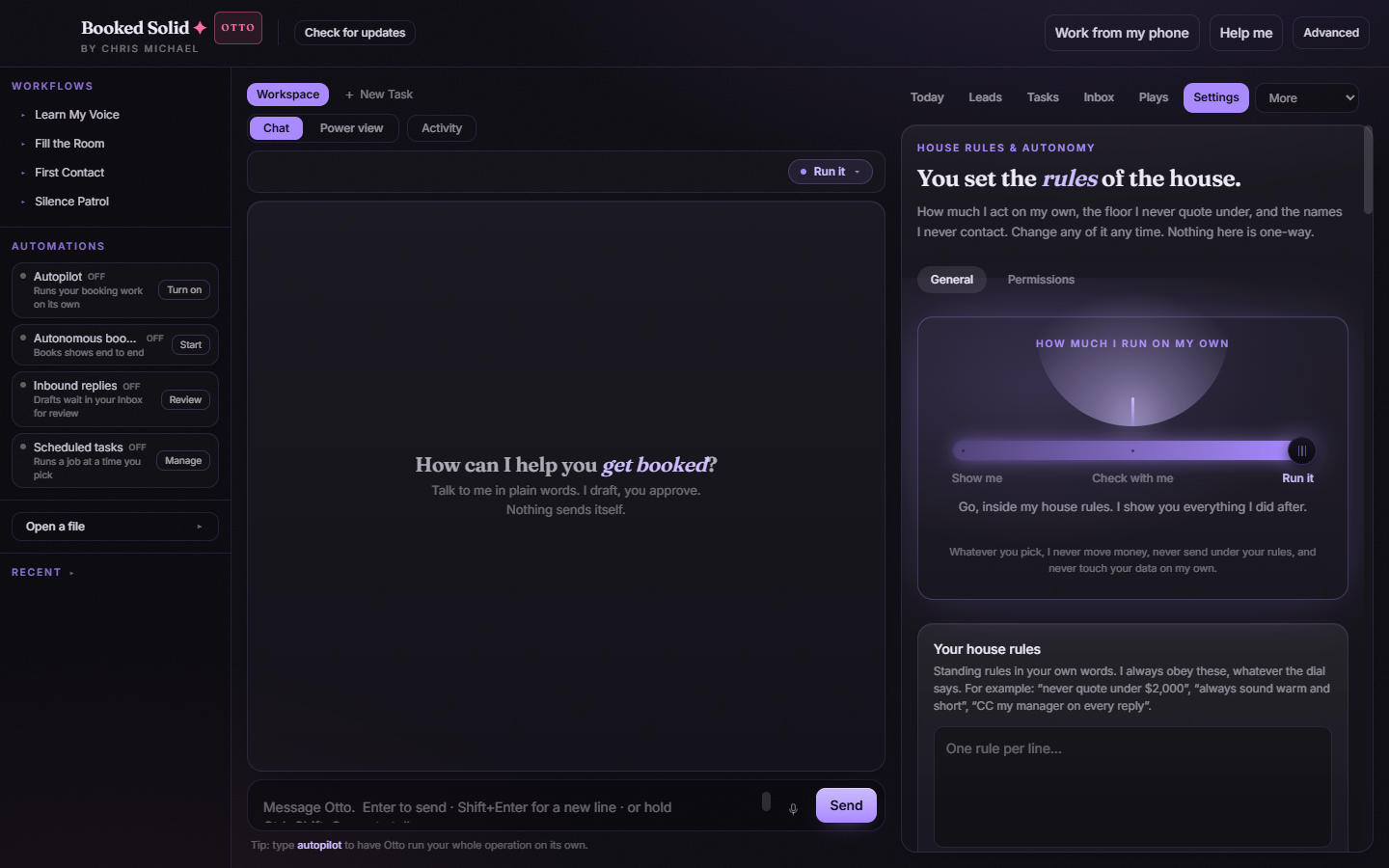
First, update the app
Older versions showed the Linux keyring wording (gnome-keyring or KWallet) to everyone, including Mac and Windows users, where that advice does not apply. Update to the latest version first: it shows the right guidance for your computer. See the article on updating the app if it is stuck on an old version.
Fix it on a Mac
This almost always means Booked Solid is running from the disk image or your Downloads folder.
- Move Booked Solid into your Applications folder.
- Open it from Applications, not from the disk image, and try the connection again.
- If it still happens, open Keychain Access and make sure your login keychain is unlocked, then retry.
Fix it on Windows
Sign in to Windows with your normal user account, not a temporary or guest profile, then try the connection again.
Fix it on Linux
Install or unlock your keyring. On most desktops that is gnome-keyring or KWallet. Then try again.
Good to know
Until the store is writable, saved keys stay locked and connections keep asking you to reconnect. Once you have done the step for your computer, connect the service again from the Connections screen and it will hold.
Still stuck? Email bookedsolid@kivimedia.freshdesk.com and a person will help.
Was this article helpful?
That’s Great!
Thank you for your feedback
Sorry! We couldn't be helpful
Thank you for your feedback
Feedback sent
We appreciate your effort and will try to fix the article