A blank window or a frozen screen looks scary, but your work is not in danger. This article explains what Booked Solid records when that happens, how to get back to normal, and when to send a support bundle so the problem can actually be fixed.
First: your work is safe
Everything you and Otto build - leads, drafts, notes, tasks - lives in your Booking HQ folder on your own disk, not inside the app window. A crashed or frozen window cannot take that with it. The app only points at the folder; it never holds your work hostage.
What Booked Solid records when the window misbehaves
The app watches its own windows and helper processes and writes what it sees to its log file, main.log:
- A window that crashes or goes blank is logged as a renderer failure, with the reason and exit code.
- A window that stops responding (and one that recovers) is logged too.
- Deaths of helper processes - the GPU process, utility processes, the terminal host - are also captured. That detail helps tell a machine problem apart from an app bug.
Crash capture is log-and-continue: the app itself keeps running and never quits just because a window failed.
One special case: if you see The terminal could not start on this computer., that is a specific, logged terminal-pane failure, not a general crash. It gets its own honest message instead of a permanently blank pane.
How to recover
- Quit Booked Solid completely and open it again. This is the right first move - a fresh start rebuilds the window, and your Booking HQ on disk is untouched.
- Check that your leads and tasks look normal. They should, because they were never inside the crashed window.
- If the same blank or frozen state comes back, move on to the support bundle below.
When to send a support bundle
Send one whenever a crash or freeze happens more than once, or right after a bad one while the trace is fresh. The crash record from the previous session is already inside the logs, so create the bundle after restarting.
The bundle is a single zip you save wherever you like, containing the app version and system facts, a safe settings summary, workspace item counts, and redacted logs. Redaction strips home paths, email addresses, keys, tokens, and passwords before zipping - message bodies and your client work are never collected.
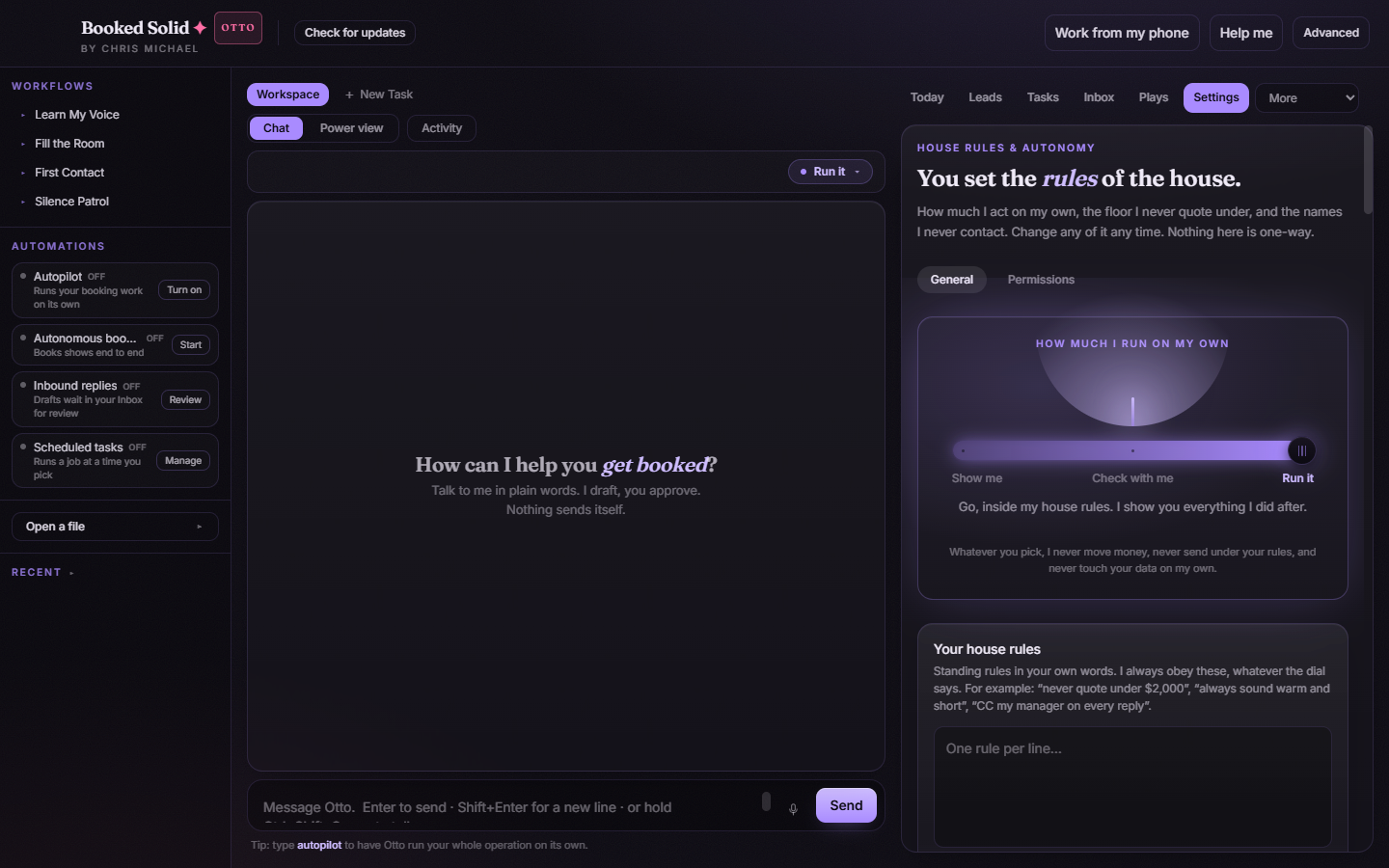
Good to know: if the problem is hard to pin down, turn on detailed support logging in Settings first, reproduce the issue, then create the bundle. It adds structured action events (with fields capped, never message bodies or credentials) that make tricky bugs diagnosable.
Still stuck? Email bookedsolid@kivimedia.freshdesk.com and a person will help.
Was this article helpful?
That’s Great!
Thank you for your feedback
Sorry! We couldn't be helpful
Thank you for your feedback
Feedback sent
We appreciate your effort and will try to fix the article