When something misbehaves and you cannot say exactly why, a support bundle is the fastest path to a real fix: it packages the technical evidence so support can see what actually happened instead of guessing. Turning on support logging first makes the bundle much more useful, because the app records extra detail while you reproduce the problem.
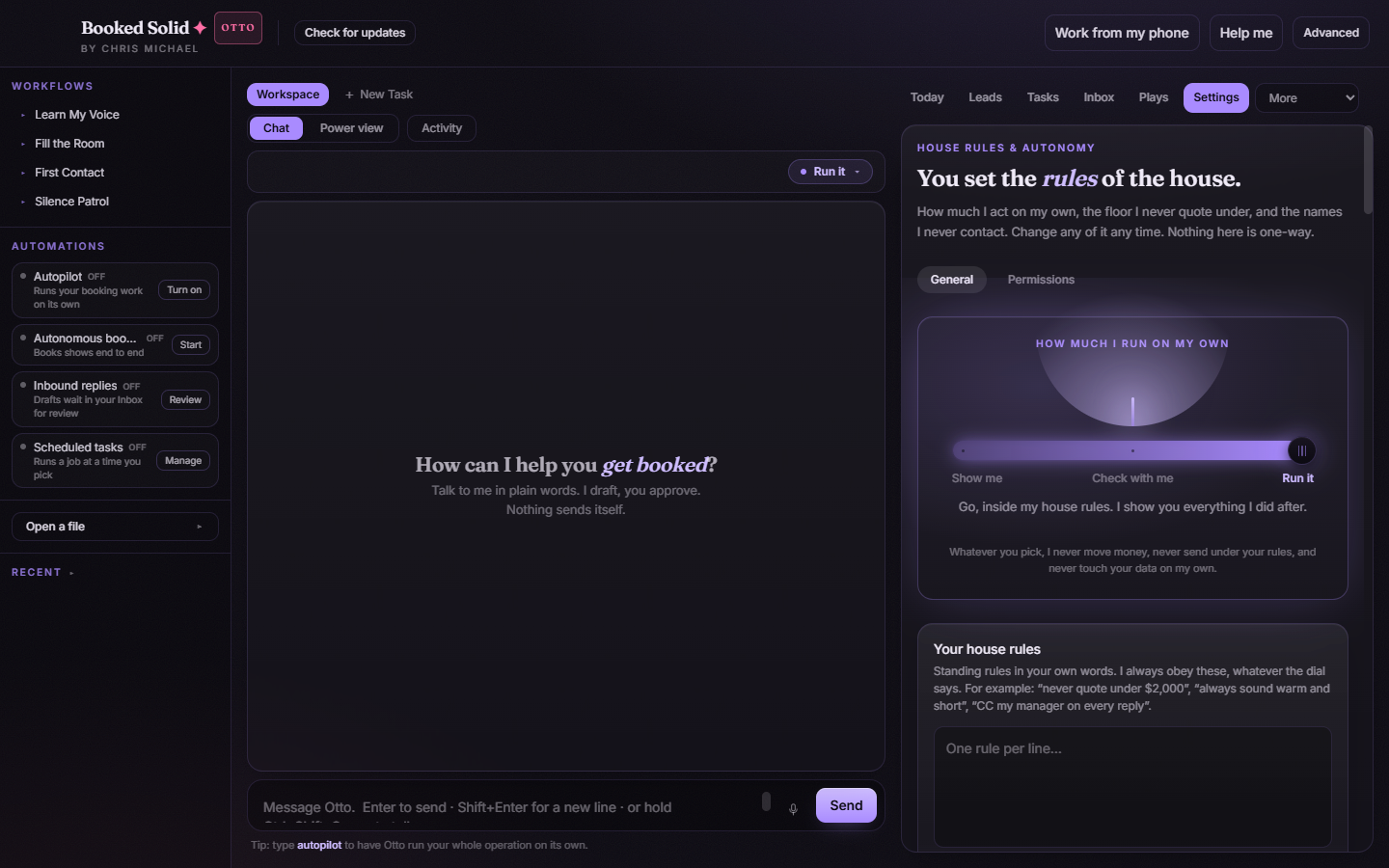
Step 1: Turn on support logging
- In the right pane, open the Settings tab and stay on the General sub-tab.
- Scroll down to the support section.
- Switch on the Support logging toggle.
Step 2: Reproduce the problem
With logging on, do the thing that fails one more time. Run the same play, open the same tab, or send the same chat message that misbehaved. The extra logging captures what happens under the hood while you do it. If the problem only shows up sometimes, leave logging on until it happens again, then continue to the next step right away.
Step 3: Generate the bundle
- Go back to Settings > General and find the same support section.
- Click Generate Support Bundle.
- The app produces a bundle file - note where it is saved so you can attach it in the next step.
What is in the bundle (and what is not)
- Recent app logs and technical details about what the app was doing - the material support needs to trace a failure.
- Your pasted API keys are not part of it. Keys live encrypted in the app's vault and are never shown again, so they do not travel with anything you send.
Where to send it
Attach the bundle file to your support ticket in this help center, together with two or three sentences: what you were trying to do, what you expected, and what happened instead. If you were asked for a bundle by the help desk at chrismichael.site/booked/help, reply there with the file attached.
Afterward
Once you have sent the bundle, you can switch Support logging back off in the same section. Day-to-day use does not need it - it exists for exactly these moments.
Still stuck? Submit a ticket from this help center and we'll take it from there.
Was this article helpful?
That’s Great!
Thank you for your feedback
Sorry! We couldn't be helpful
Thank you for your feedback
Feedback sent
We appreciate your effort and will try to fix the article